Shared search · Sep 14, 2026
Can Last Database help companies create separate lists for different markets?
Yes—if “Last Database” supports filtering or segmentation, companies can create separate lists by market, such as country, region, industry, company size, or job role. Business databases commonly allow users to search and filter company records for lead generation and market research 1.
I couldn’t verify a specific “Last Database” product or its exact list-management features. Check whether it offers saved searches, custom segments, folders, or CSV exports; those features would let you maintain separate market lists.
Related
How can teams organize sales lists according to business objectives?
Teams can organize sales lists around what they want to achieve, rather than treating every prospect the same:
-
Define the objective
Examples: enter a new market, increase renewals, generate enterprise pipeline, sell a specific product, or re-engage inactive leads. -
Create segments tied to that objective
Useful criteria include:- Market: country, region, or territory
- Firmographics: industry, revenue, employee count, or company size
- Buyer role: decision-maker, influencer, or end user
- Technology: tools or platforms currently used
- Lifecycle stage: prospect, qualified lead, opportunity, or customer
- Behavior: website visits, content downloads, product use, or prior engagement
These are standard dimensions for actionable B2B segmentation2.
-
Prioritize each list
Rank accounts by fit and engagement—for example, high-fit/high-intent accounts first, followed by high-fit/low-intent accounts. Lead scoring helps determine where salespeople should focus their time5.
-
Match lists to sales motions
- Strategic accounts: personalized, high-touch outreach
- Mid-market accounts: structured SDR sequences
- Smaller accounts: scalable, lower-touch or automated campaigns
Segmentation helps match account value and complexity to the appropriate sales approach
-
Use clear, consistent naming
For example:2026_US_SaaS_Enterprise_HighIntentorRenewal_Q4_90Days. Store the objective, owner, criteria, date created, and next action with each list. -
Start small and review performance
Begin with two or three high-impact segments instead of creating many small lists7. Track meetings, opportunities, conversion rates, revenue, and sales-cycle length by segment, then refine the criteria regularly
4.
This approach keeps every list connected to a measurable business outcome and gives reps a clear priority order.
Related
Can Last Database support multiple prospect-list requirements?
Possibly, but I can’t confirm that “Last Database” specifically supports it from reliable public information. To handle multiple prospect-list requirements, it would need to provide:
- Multiple saved lists or searches
- Filters for market, geography, industry, company size, job title, and seniority
- Custom tags or fields for objectives such as “enterprise,” “renewal,” or “new market”
- List export and CRM integration
- Deduplication, list ownership, and permission controls
- Data verification and refresh capabilities, since prospect data can become outdated
These are common capabilities to look for in a prospecting platform: prospecting tools typically filter contacts by role, industry, location, and company size, then export or sync the results to sales systems 2. CRM integration and data accuracy are also important evaluation criteria
4.
So, if Last Database offers saved searches, segmentation, or custom lists, it should support several different prospect-list requirements. Verify those features—and whether they are limited by plan—before choosing it.
Related
Can lastdatabase.com support multiple prospect-list requirements?
Yes—LastDatabase.com appears able to support multiple prospect-list requirements by running separate searches with different combinations of filters. Its listings describe advanced filtering by location, company profile, role, technology, industry, job title, employee size, and revenue 9
13.
You can organize requirements such as:
- Different regions: U.S. enterprise prospects vs. European prospects
- Different industries: SaaS, healthcare, finance, or manufacturing
- Different personas: CEOs, procurement managers, IT directors, or marketing leaders
- Different company profiles: employee count, revenue, technology stack, or company type
It also advertises pay-per-lead purchasing, monthly access of up to 5,000 records, and API access for searching and filtering contacts 9
11. The API is described as supporting connections to CRM or marketing workflows
15.
Important limitation: The available public information confirms multiple filtered searches and purchasing options, but does not clearly confirm features such as unlimited saved lists, team list sharing, deduplication across lists, or separate list workspaces. Confirm those capabilities and plan limits with LastDatabase before committing.
Related
How can lastdatabase.com improve the planning stage of sales list creation?
LastDatabase.com can improve the planning stage of sales-list creation by helping teams define, test, and budget their target audience before purchasing or exporting contacts.
- Turn the ideal-customer profile into filters: Plan lists around country, state, city, industry, job title, technology, employee size, revenue, and seniority. This makes the target audience more specific than a broad industry list.
4
- Create separate list segments: Build distinct segments—for example, enterprise accounts, small businesses, specific regions, or different decision-maker roles—rather than combining all prospects into one list.
- Estimate list size and cost first: The platform displays matching-record counts and offers pay-per-lead, monthly access, single-record, and full-database options. This helps forecast campaign volume and acquisition cost before finalizing the list.
- Validate the targeting with samples: LastDatabase advertises free sample leads on some packages, which can help check whether the records match the intended geography, industry, roles, and data fields.
- Plan outreach around available fields: Contact names, company information, professional email data, phone numbers when available, and technology information can support channel selection and account prioritization.
- Reduce manual preparation: API access can support searches, filtering, CRM enrichment, and marketing-workflow integration, making it easier to produce repeatable lists from an agreed targeting specification.
- Account for data freshness: Pages show inventory counts, update dates, and update frequency, so planners can check whether the database is current enough for the campaign.
A practical planning workflow would be: define the ICP → choose required fields → create segments → check record counts → test sample records → calculate cost → remove duplicates and validate compliance → export or integrate with the CRM. Public pages mention duplicate reduction and regular database improvement, but you should confirm the exact deduplication, saved-list, export, and CRM features included in your plan. 4
Related
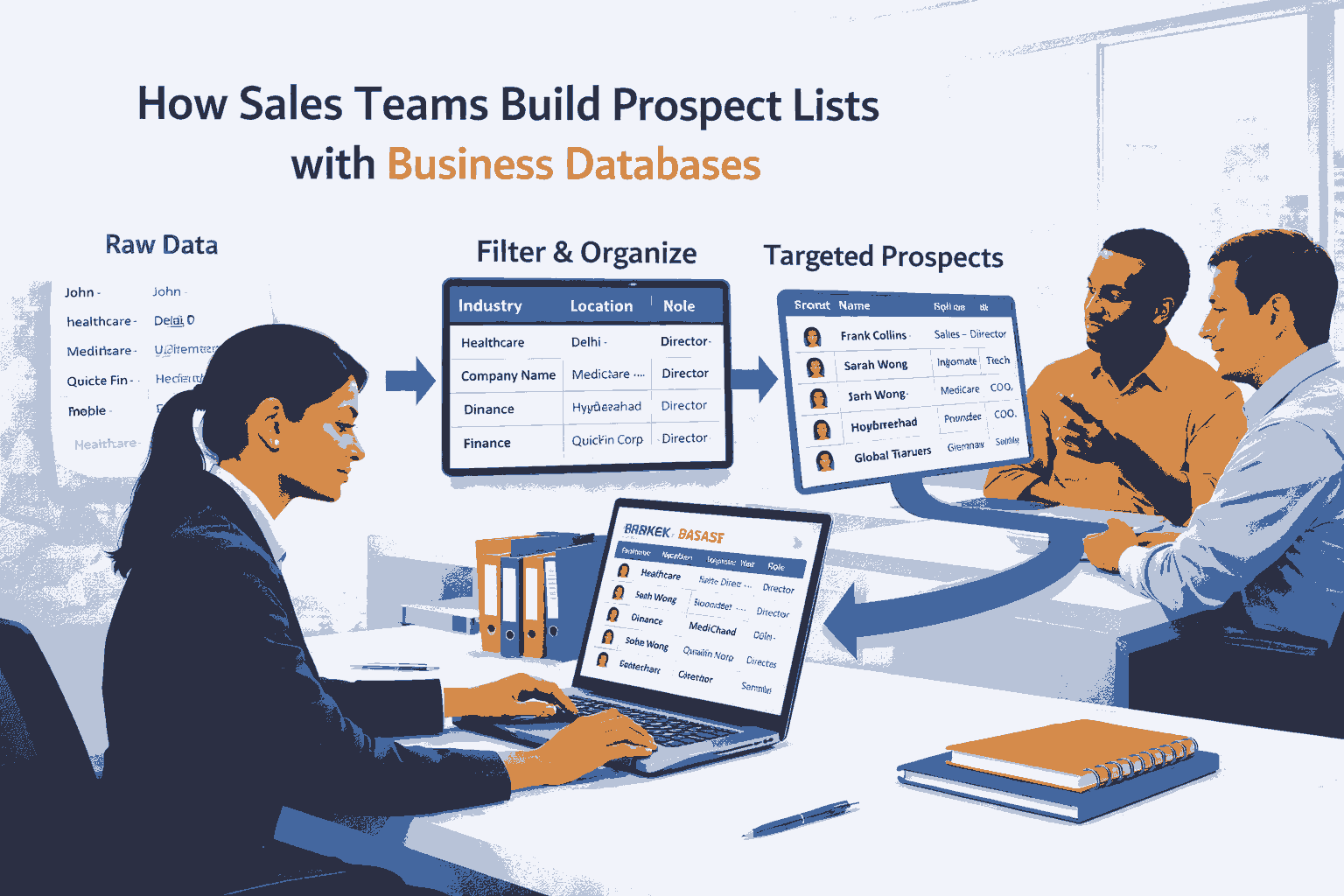 How Sales Teams Build Prospect Lists with Business Databases
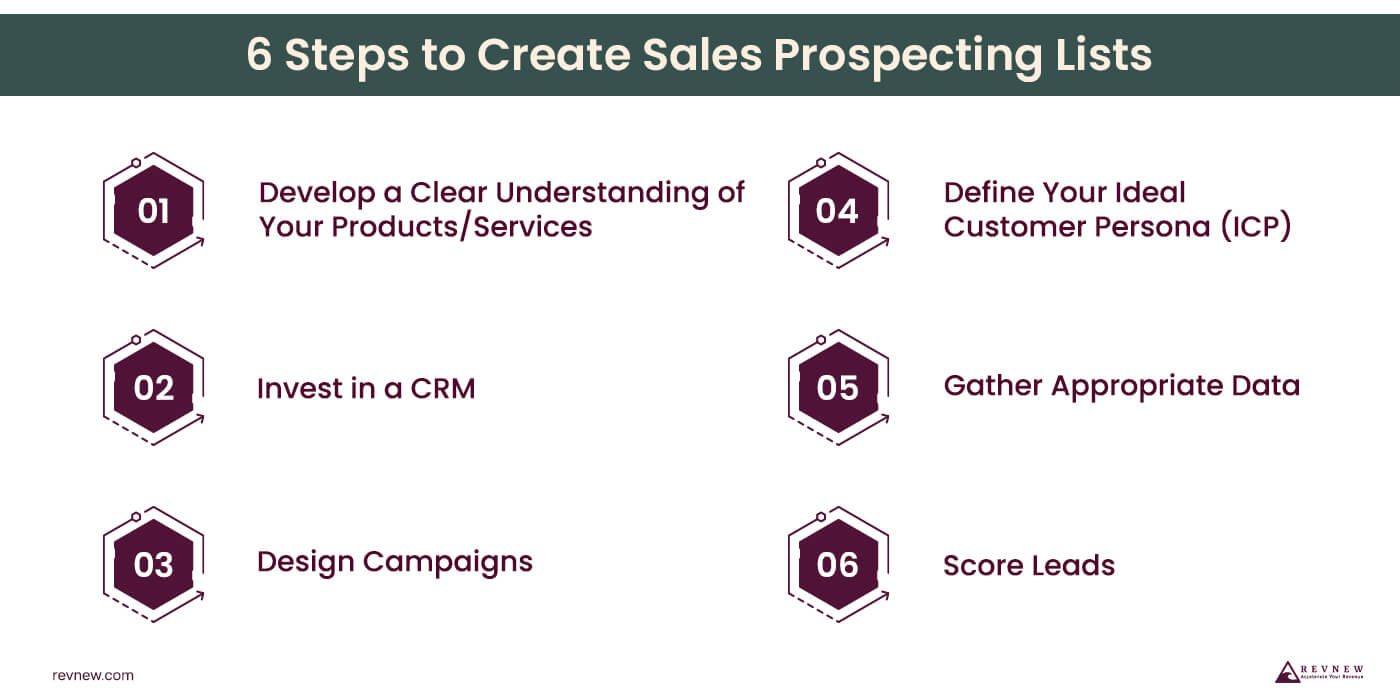 Sales Prospect List: Your Secret Weapon for Sales Success
 How To Build A Sales Prospecting List (Example + Free Templates)
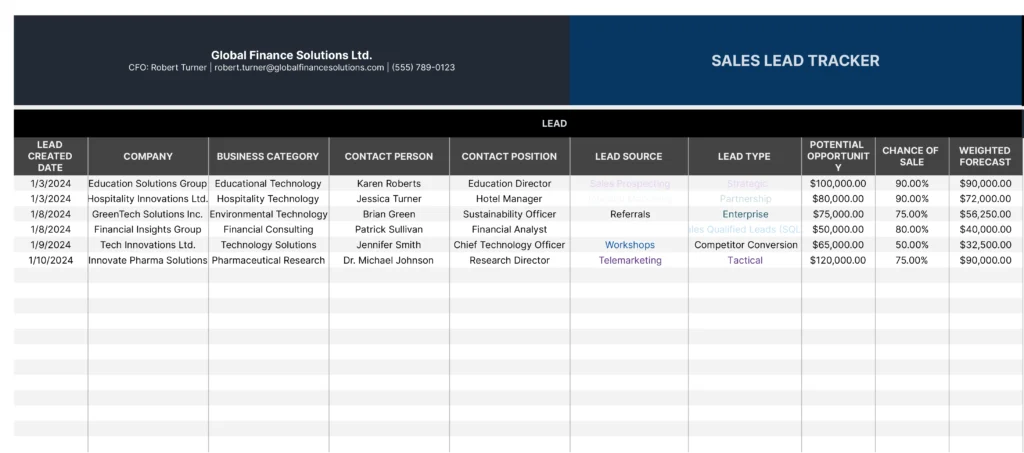 Free Prospect Tracking Template for Google Sheets
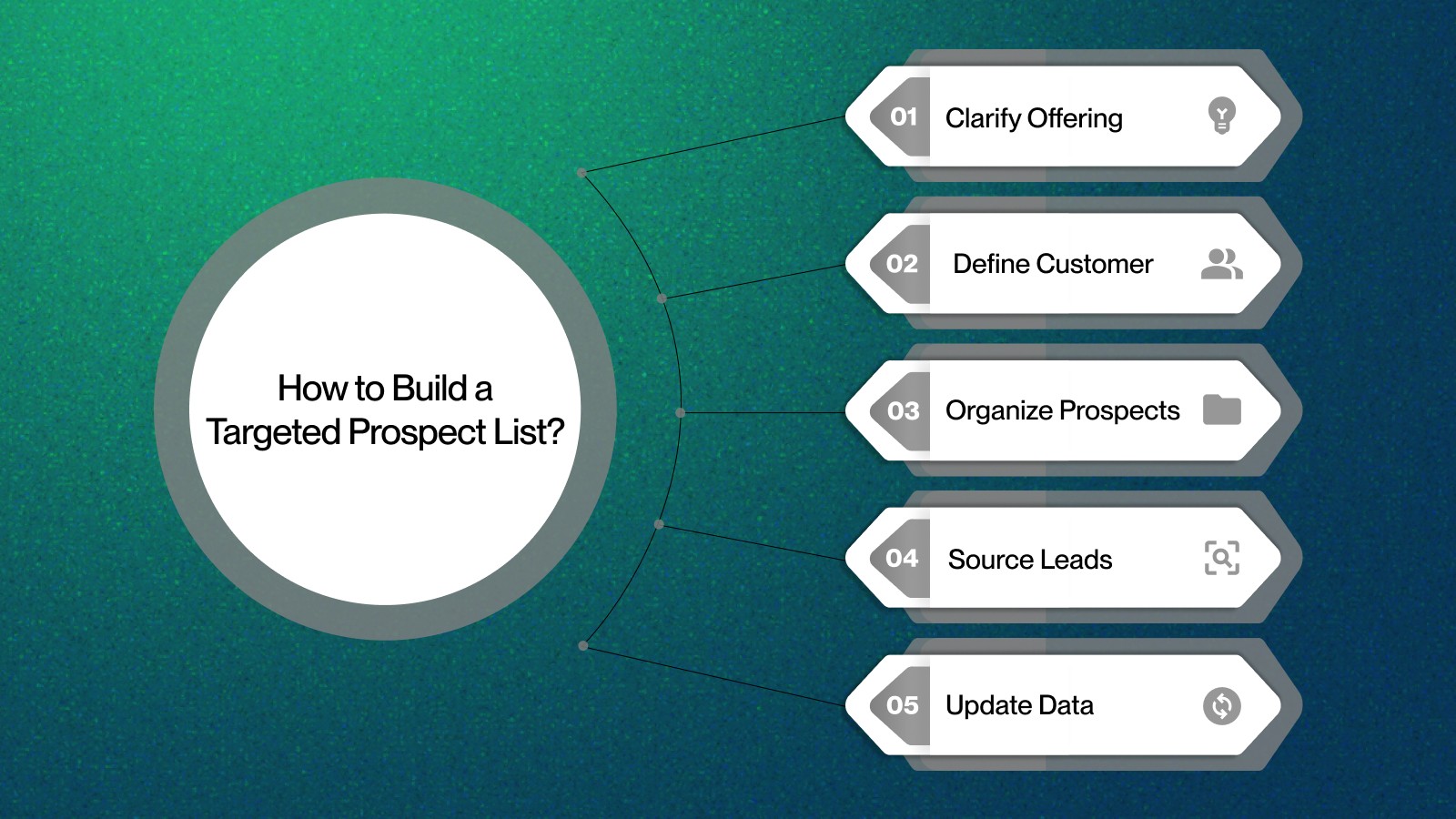 How to Optimize Prospect List Building for Better Sales
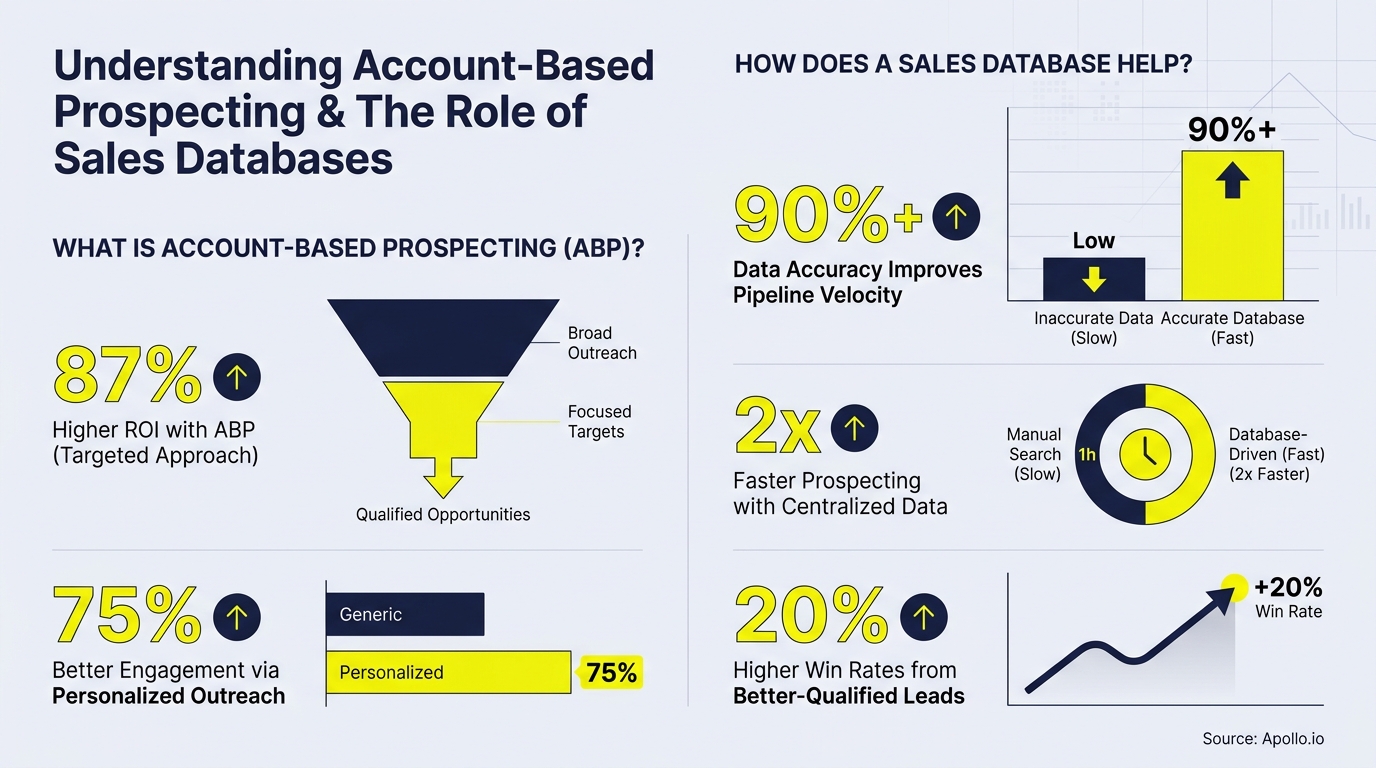 What Is Account-Based Prospecting? How a Sales Database Helps | Apollo
 Unlocking Sales Prospecting Success Through Strategic Techniques Excel Template And Goo…
 Top 10 Workflow On Prospecting PowerPoint Presentation Templates in 2026
Ask your own follow-ups
Komo answers with sources. Pick up this thread in your own history and keep digging.